- Home
- Corporate
- Editorials
- Product‑Oriented Thinking for UI Designers
Product‑Oriented Thinking for UI Designers
Product‑oriented thinking shifts your focus from "how it looks" to "why it matters," ensuring that every design choice solves a real human problem and achieves a business goal. This is the secret to moving beyond pixel‑focused work and becoming a strategic partner who develops products that truly work.

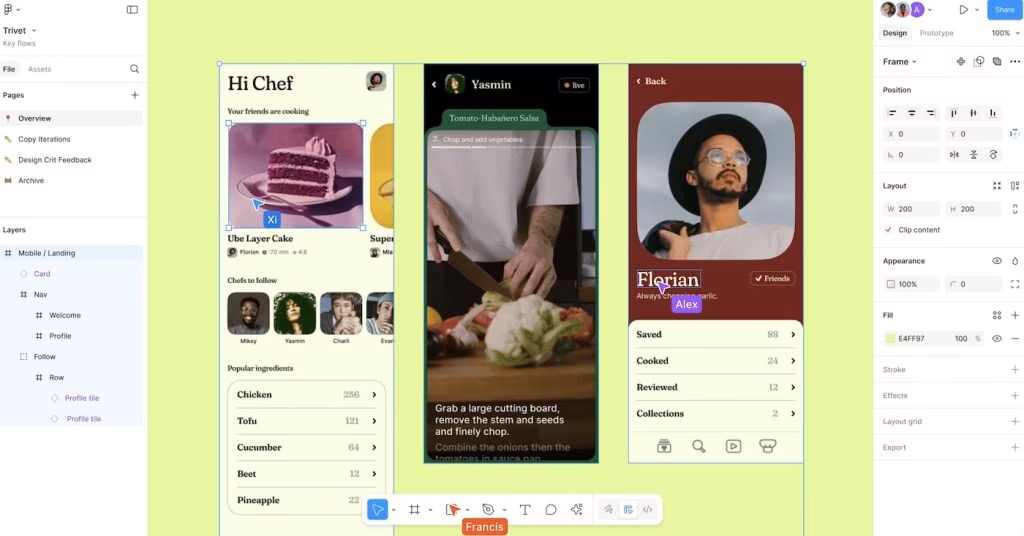
For a long time, the industry treated design like a relay race. The Product Manager (PM) would run the first leg, defining the "requirements." Then the baton passed to the User Interface Designer (UI Designer), who would visualize those requirements beautifully in Figma. Finally, the baton reached the engineer, who tried to make those pixels move on screen.
What’s the problem? With every handoff, information gets lost. By the time the designer takes the baton, they are often trying to find a solution rather than understanding the problem.
Product‑oriented thinking is about breaking the relay race. It’s about being in the room when requirements are born. It’s about realizing that if you don’t understand why a feature exists, you can’t design the right interface for it. You might choose the perfect typeface, but in reality, you’re writing a beautiful poem in a language the user doesn’t speak.
The “Why” Behind the “What”
Imagine you’re asked to design a "Dashboard." A pixel‑focused designer immediately thinks of cards, line charts, and maybe a dark mode toggle. A product‑oriented designer pauses and asks: "When the user wakes up and opens this dashboard, what’s the first question on their mind?"If the answer is "Am I making progress toward my goals?" then the interface should emphasize progress. If the answer is "Is there a problem I need to fix right now?" then the interface should emphasize alerts. Visual execution must align with psychological need.
The Cost of Choice (Hick’s Law)
We’ve all seen enterprise software that looks like the cockpit of a Boeing 747. The designer probably thought: "The user needs all these features, so I’ll put them all on screen."Product‑oriented thinking disagrees. It asks: "What is the primary action?" By hiding advanced features until they’re needed (Progressive Disclosure), you manage the user’s cognitive load through the interface. You’re telling the user: "Don’t worry about complexity yet; just do this one thing."
Mental Models and the “Uncanny Valley” of Innovation
Designers love to innovate. We want to create the "new way" of navigation. But users spend 99% of their time in other apps. If you change how the "Back" button works, you’re not being innovative — you’re being annoying.Product‑oriented thinking means knowing when to be "boring." Use standard patterns for standard things (Login, Search, Settings), so you can save your "innovation budget" for the part of the application that truly matters.